
Website screenshot API Screenshots from real Chromium, on demand
One POST renders any page and returns a clean image or PDF - with capture controls that make the result match your product, not a default viewport.
Real output
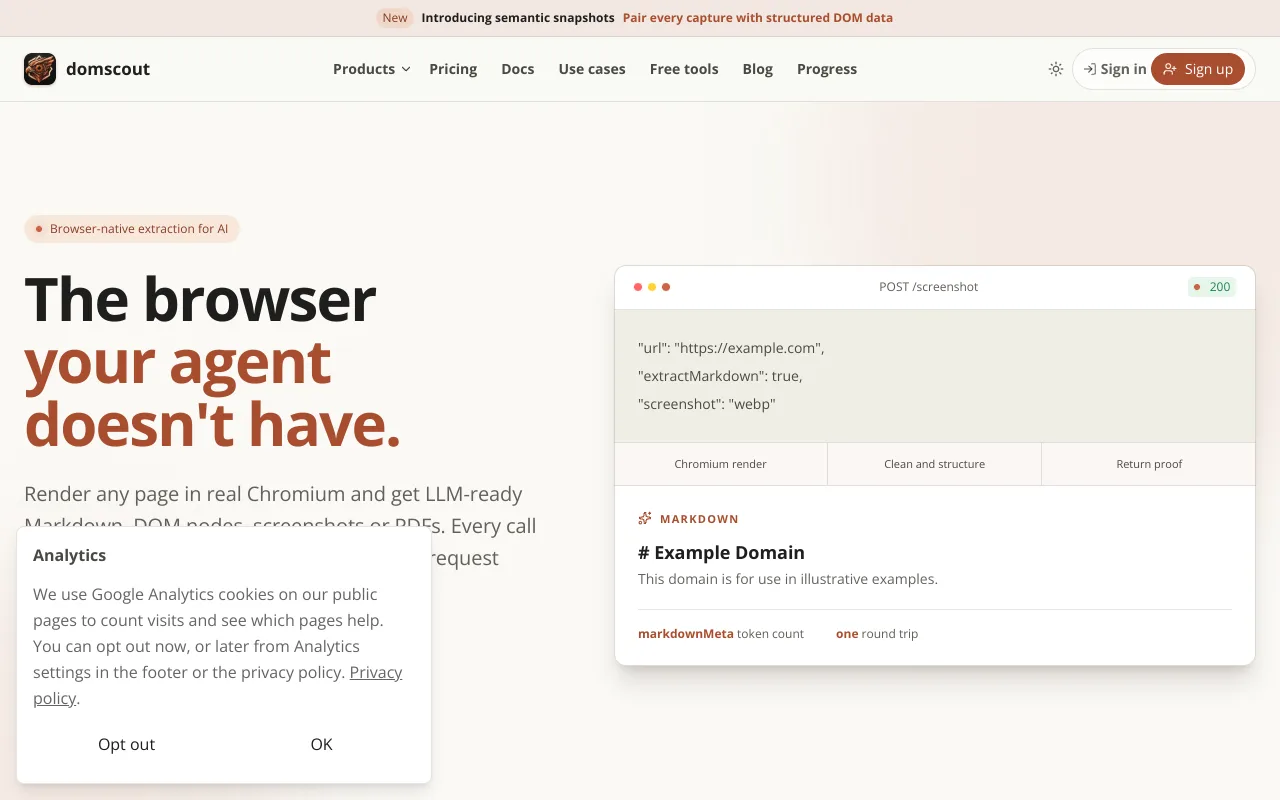
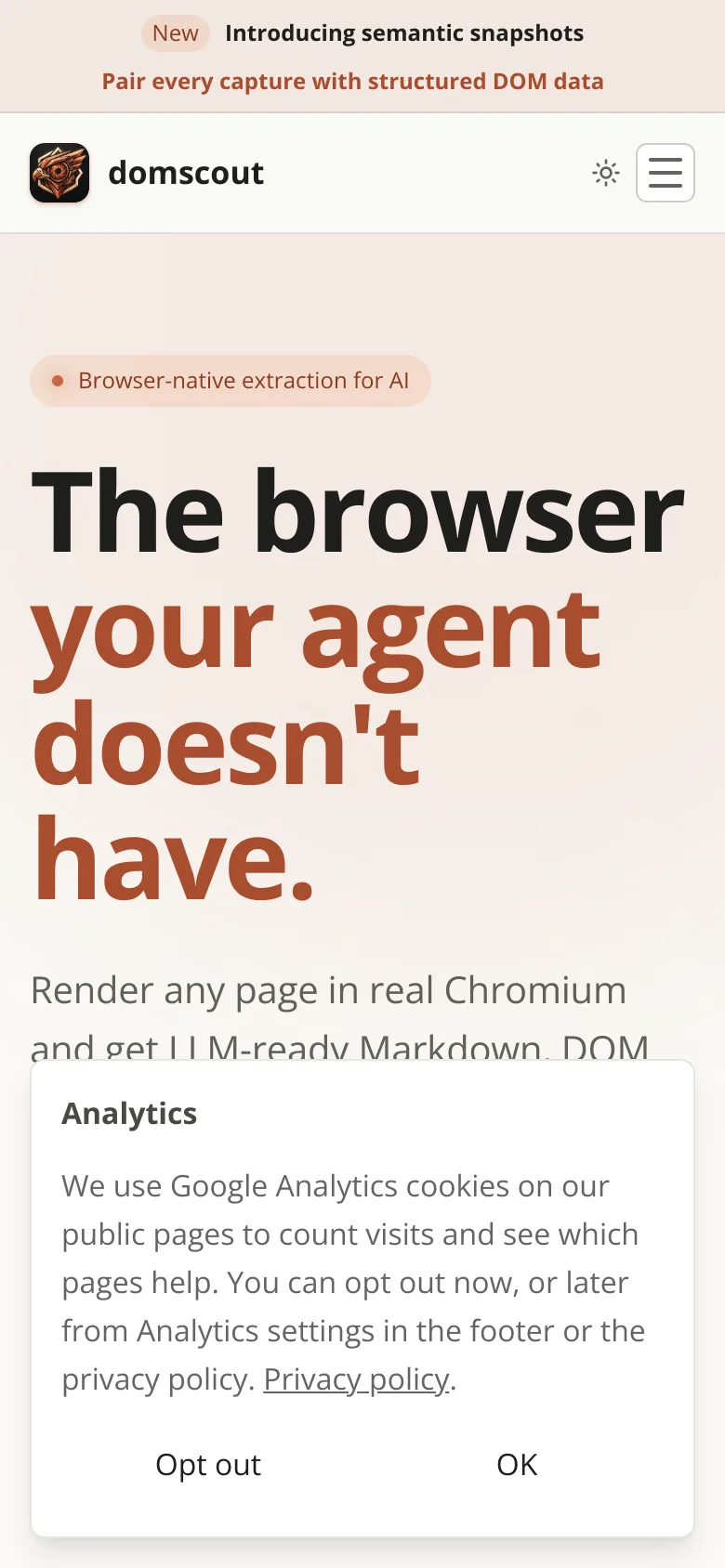
This site's homepage, captured by POST /screenshot as WebP at a desktop and a phone viewport. Unedited, so the analytics notice a first-time visitor sees is in both; hideSelectors removes elements like it before capture.
Screenshot capabilities
Formats for every pipeline
PNG, JPEG, WebP, or PDF from the same endpoint, rendered by a real headless Chromium - the same engine that drew the page for the last person who visited it.
Full-page and element capture
Grab the visible viewport, the entire scrollable page, or a single element. Add capture padding and transparency when you need compositing room.
Viewports that match your audience
Desktop and mobile device presets, custom widths and heights, plus locale, timezone, and geolocation so the page renders the way your users see it.
Print-ready PDFs
Export any page as a styled PDF for archival, reports, or client deliverables - no separate rendering stack to maintain.
LLM-ready Markdown, plus Pro+ DOM intelligence.
Watch pages on a schedule and get alerted on change.
Durable jobs across a hundred pages or a whole site.
How the screenshot API works
Three steps between a URL and a file you can store. There is no browser to provision, no queue to drain, and no session to keep alive between calls.
- Step 1
POST the URL and the shape you want
One endpoint takes the page address plus the capture options: format, viewport, full-page or a single element selector, colour scheme, locale, and timezone. No session to open and no browser to keep warm.
- Step 2
A real Chromium renders the page
The same engine that drew the page for the last human visitor runs the JavaScript, loads the fonts, and settles the layout - so a single-page app produces the picture a user would have seen, not an empty shell.
- Step 3
Take the bytes or the JSON
Ask for responseType binary and the image or PDF comes back as the response body, ready to stream to disk or object storage. Ask for json and you get a stored capture with a URL, metadata, and the retention window your plan allows.
Screenshot API questions, answered
Formats, full-page capture, JavaScript rendering, mobile viewports, and PDF export.
Give your product a browser.
Get clean web content and visual proof into your workflow in minutes.